Unload Filament
Here you can find the instructions how to Unload the Filament on your Belt printer, follow along step by step!
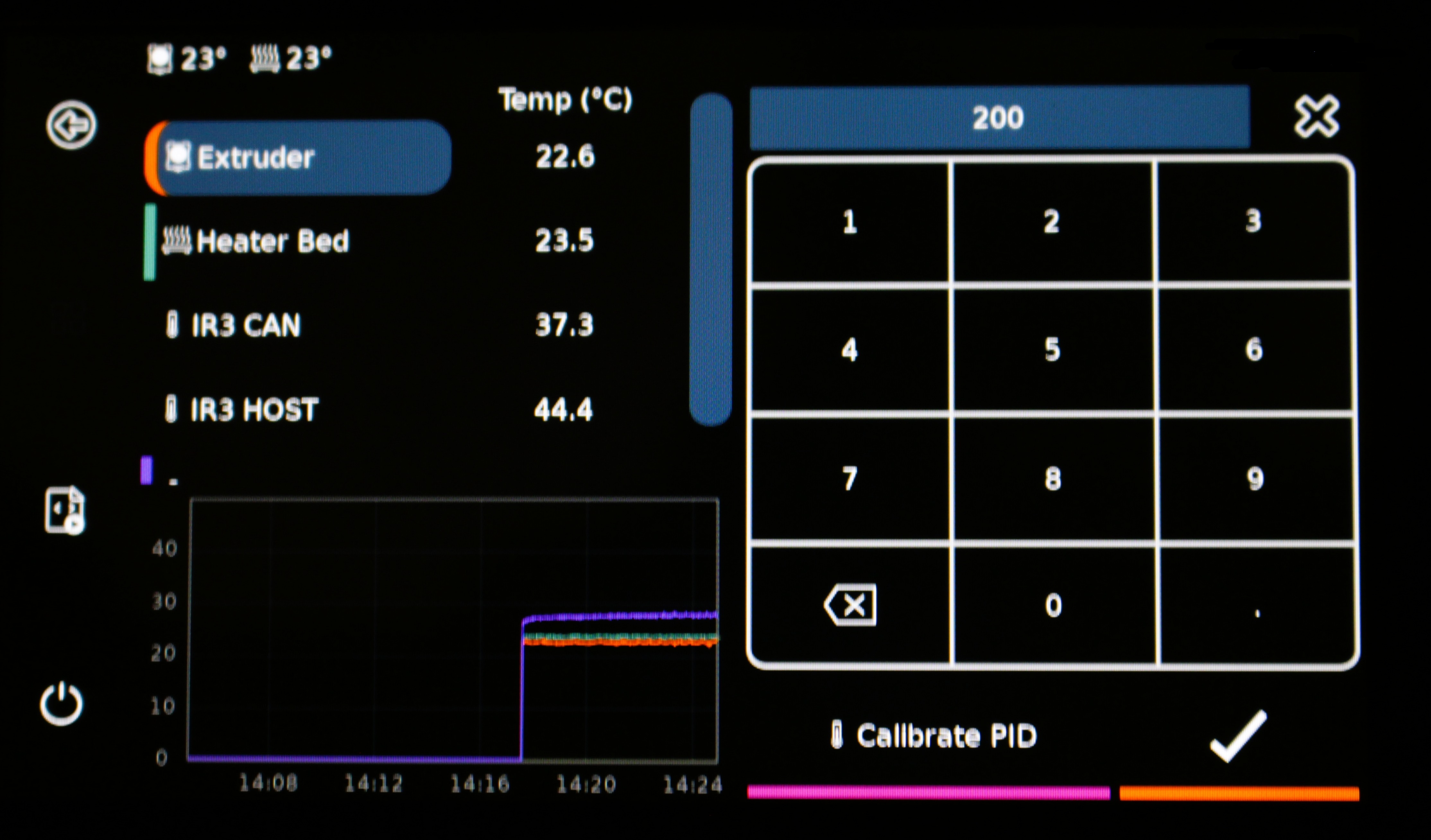
1. Set the temprature to 220 Degrees.
Tap on the temperature behind "Extruder", and fill in 220.
Wait for the temprature to reach 220 Degrees.
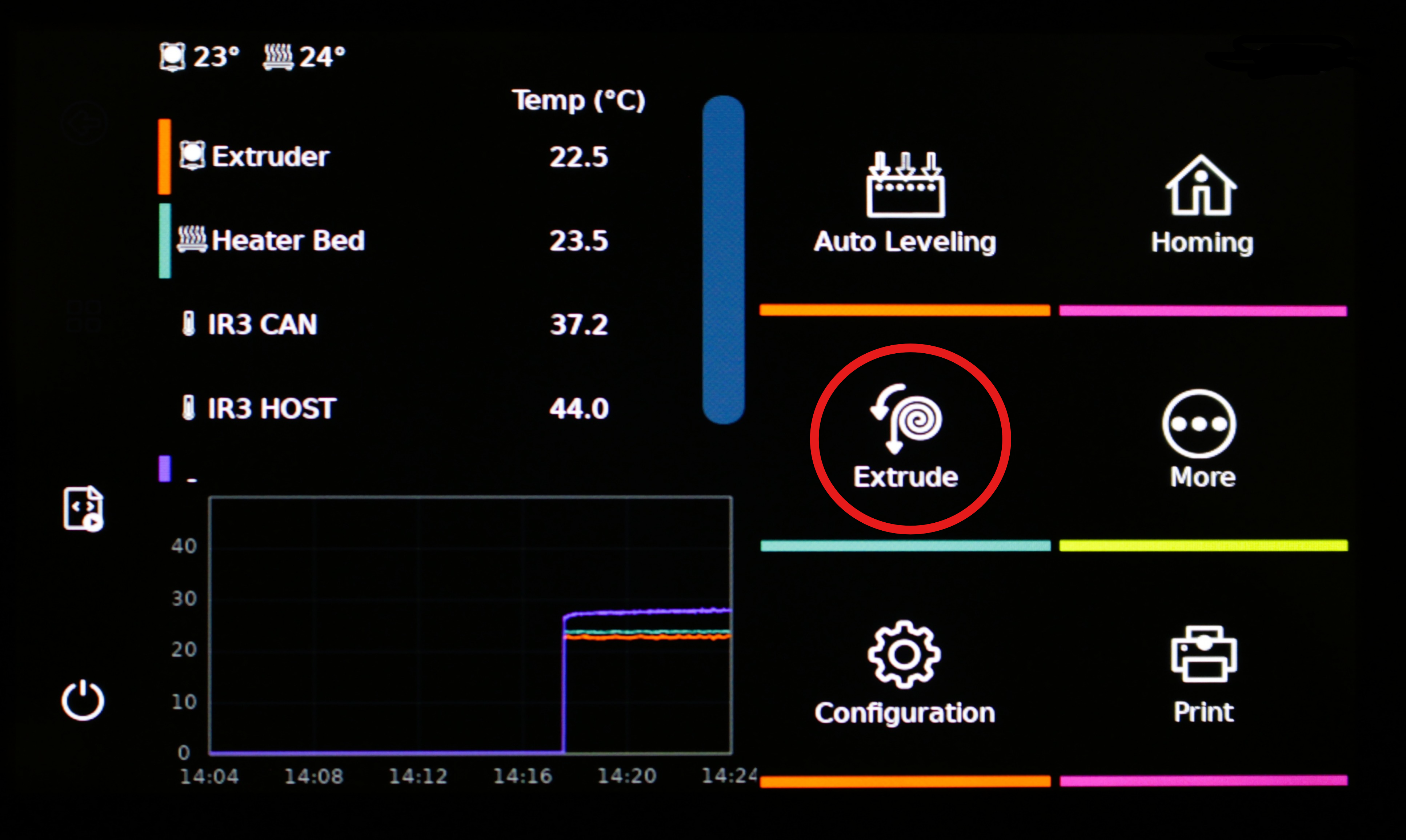
2. Click on Extrude.
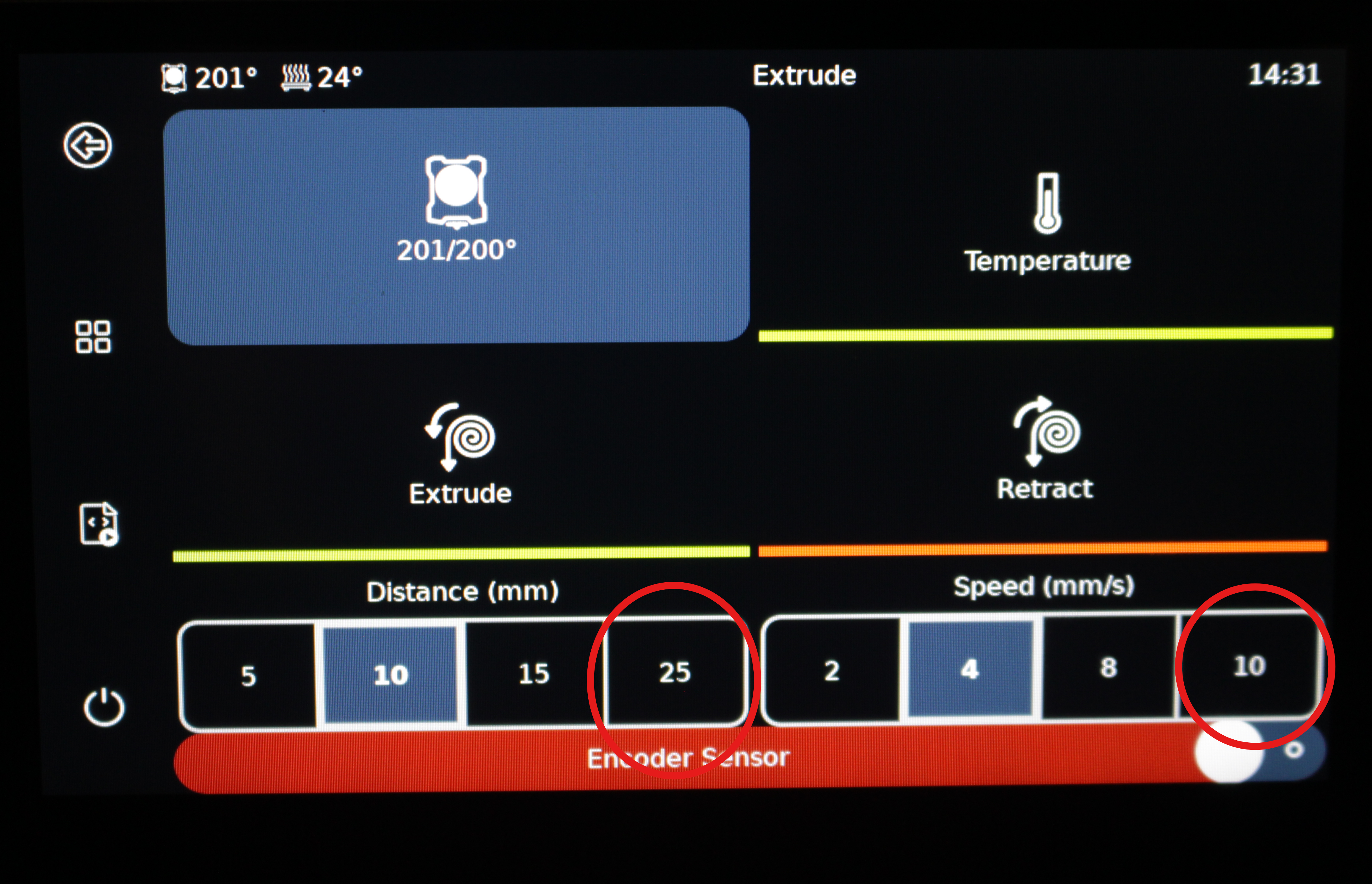
Optional
tip
Change the distance and speed to the maximum for the filament to load quicker.
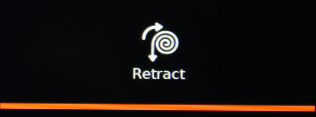
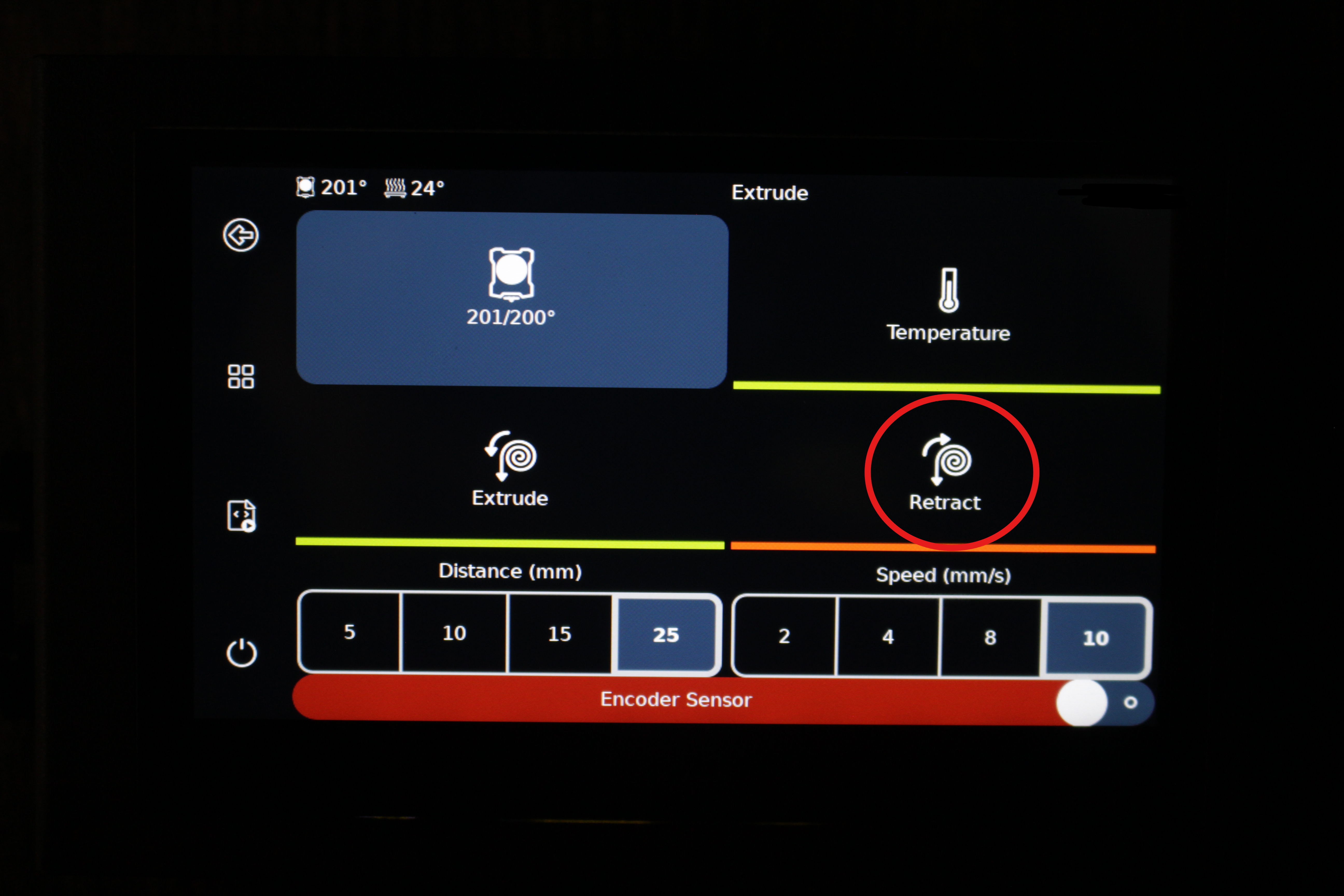
3. Retract.
Push the "Retract" button.
Press retract until you can take out filament.
4. Pull lightly on the cable.
Pull lightly until Filament is loose. Don't pull hard, pull lightly, does it not come out yet? Press retract again.